Recite, and the app follows
Tap the microphone and the ayat hide until you recite them, while the app follows you word by word. It all runs on your phone, and your voice never leaves it.
For the Quran · Android, iPhone, Mac and web
Most of them for no reason. Verse & Meaning puts an ayah from the Book of Allah in front of you each time, with its tafsir underneath. You pause on it for a moment, then carry on with your day.
A yearly survey of about 1,000 US adults by Reviews.org. Tap a year to put it in the counter.
At one ayah each time, read and understood through its tafsir, you will have reflected on:
You set the pace: every unlock, or once every few minutes.
The web version has the mushaf, tafsir and recitation. The ayah on your lock screen needs the phone app.
Your day
You choose where an ayah appears and how many times a day, in your waking hours only.
Choose the ones that suit you.
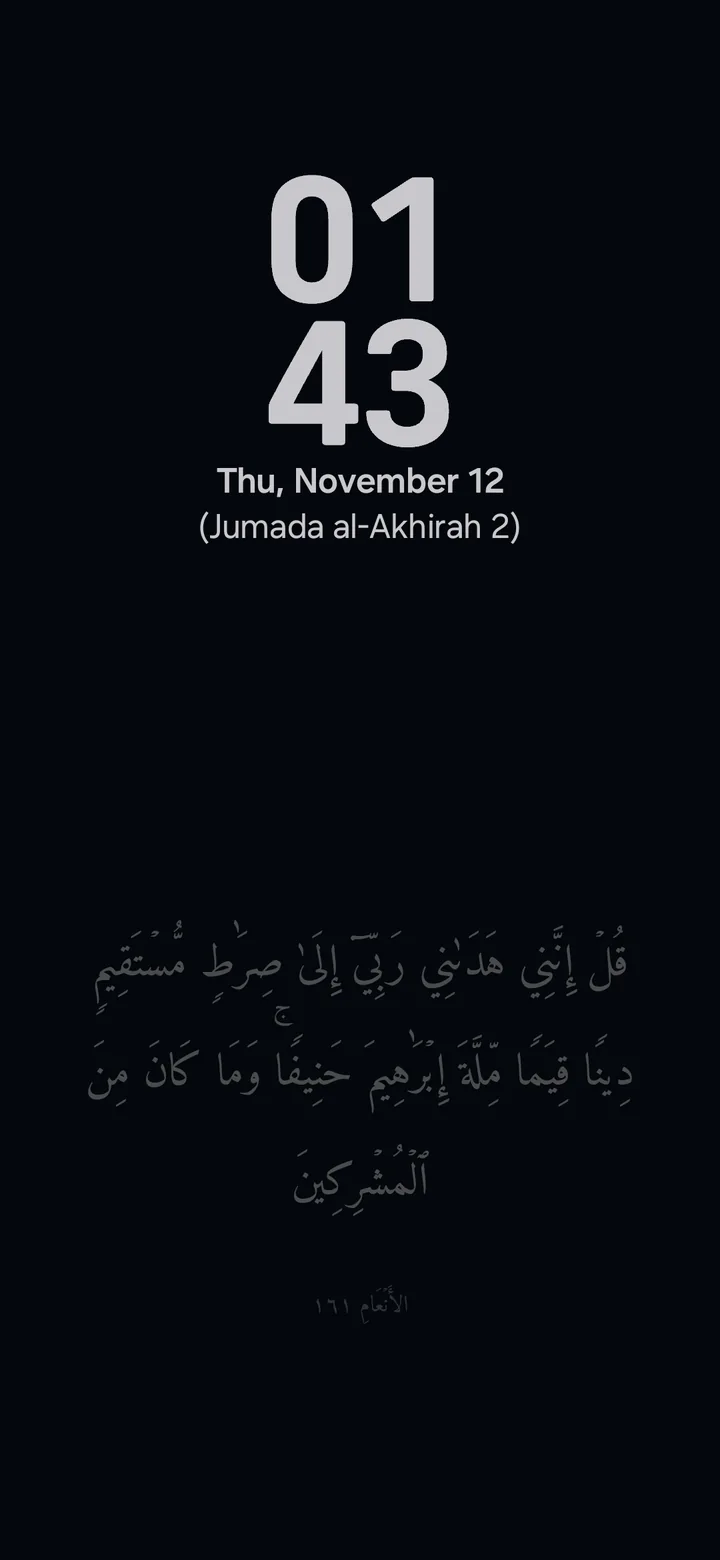

The phone is on the desk with its screen off, and the ayah is there under the clock on the Always On Display.
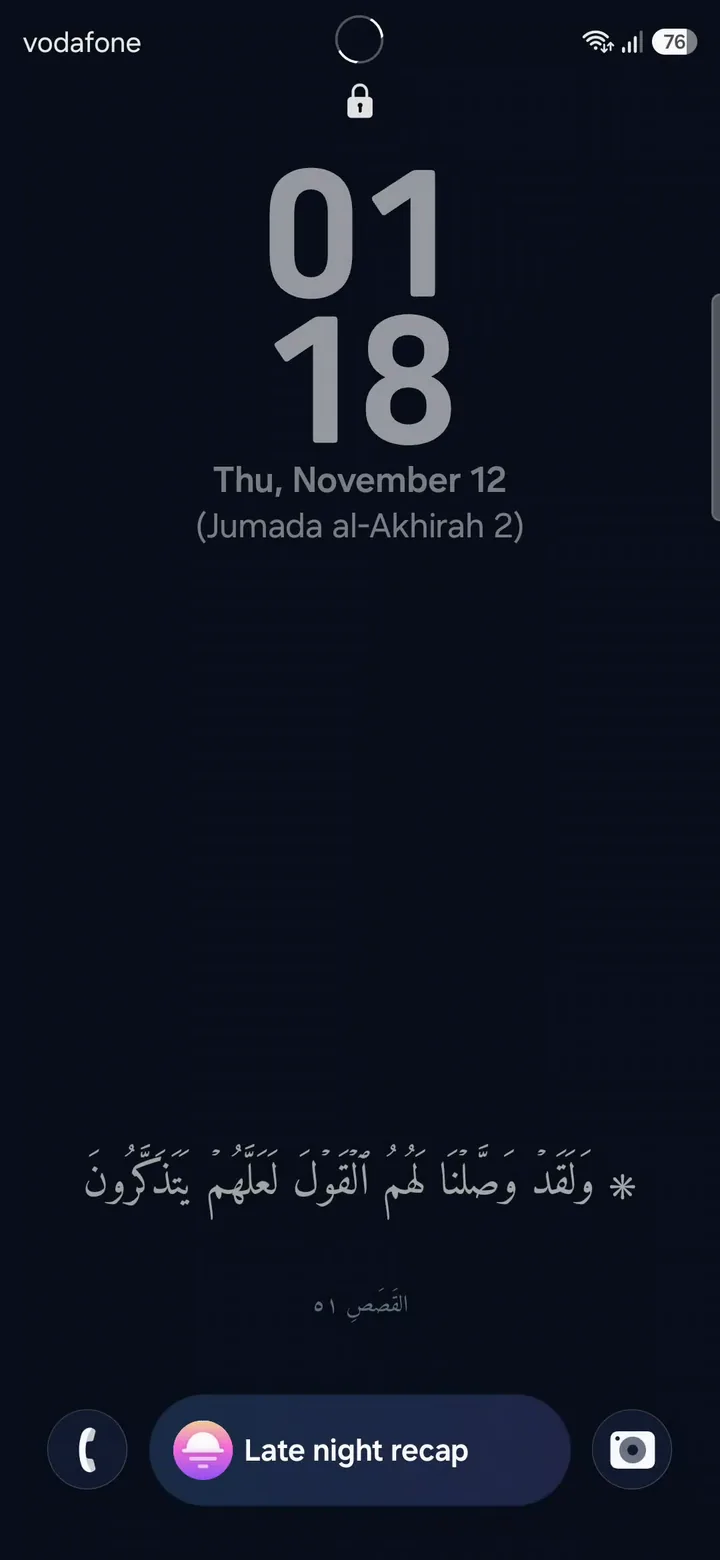
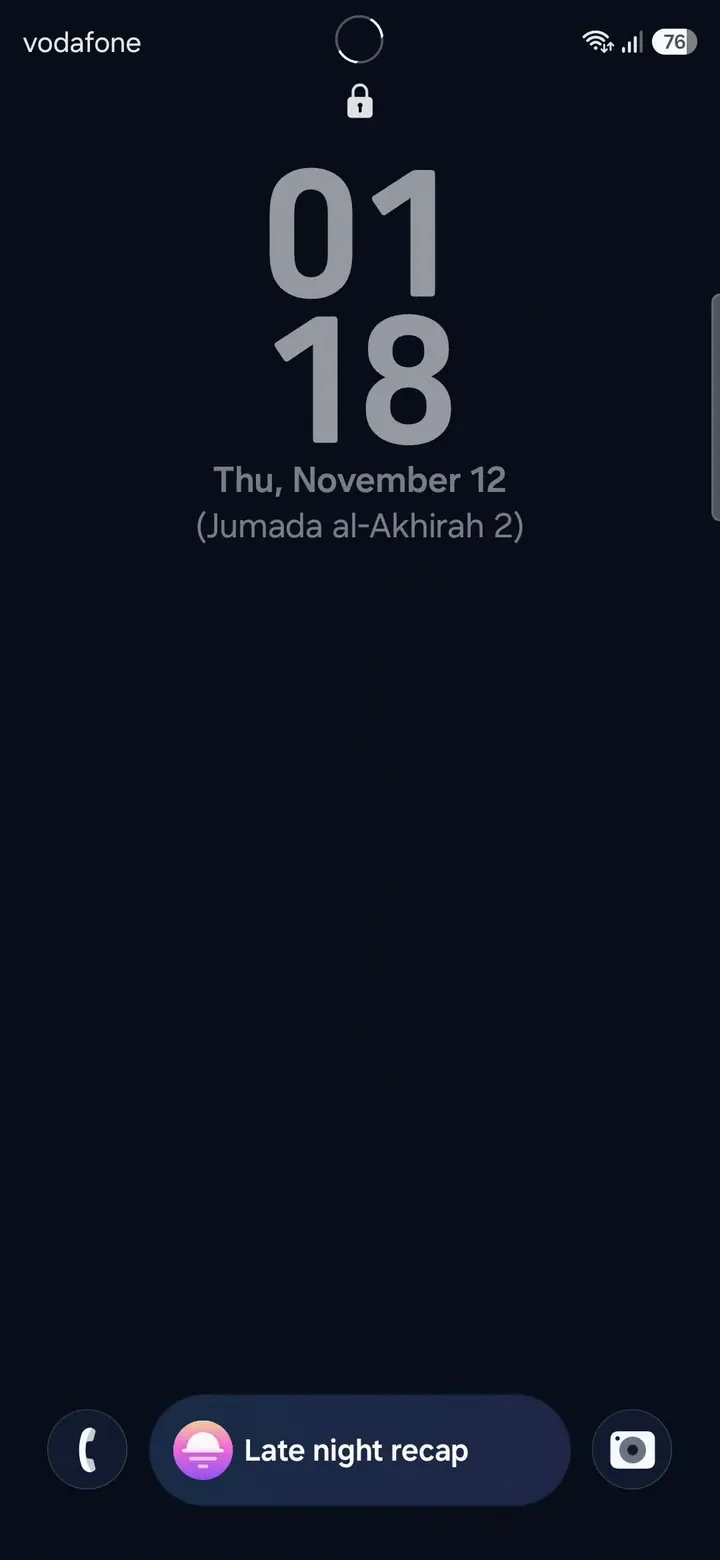
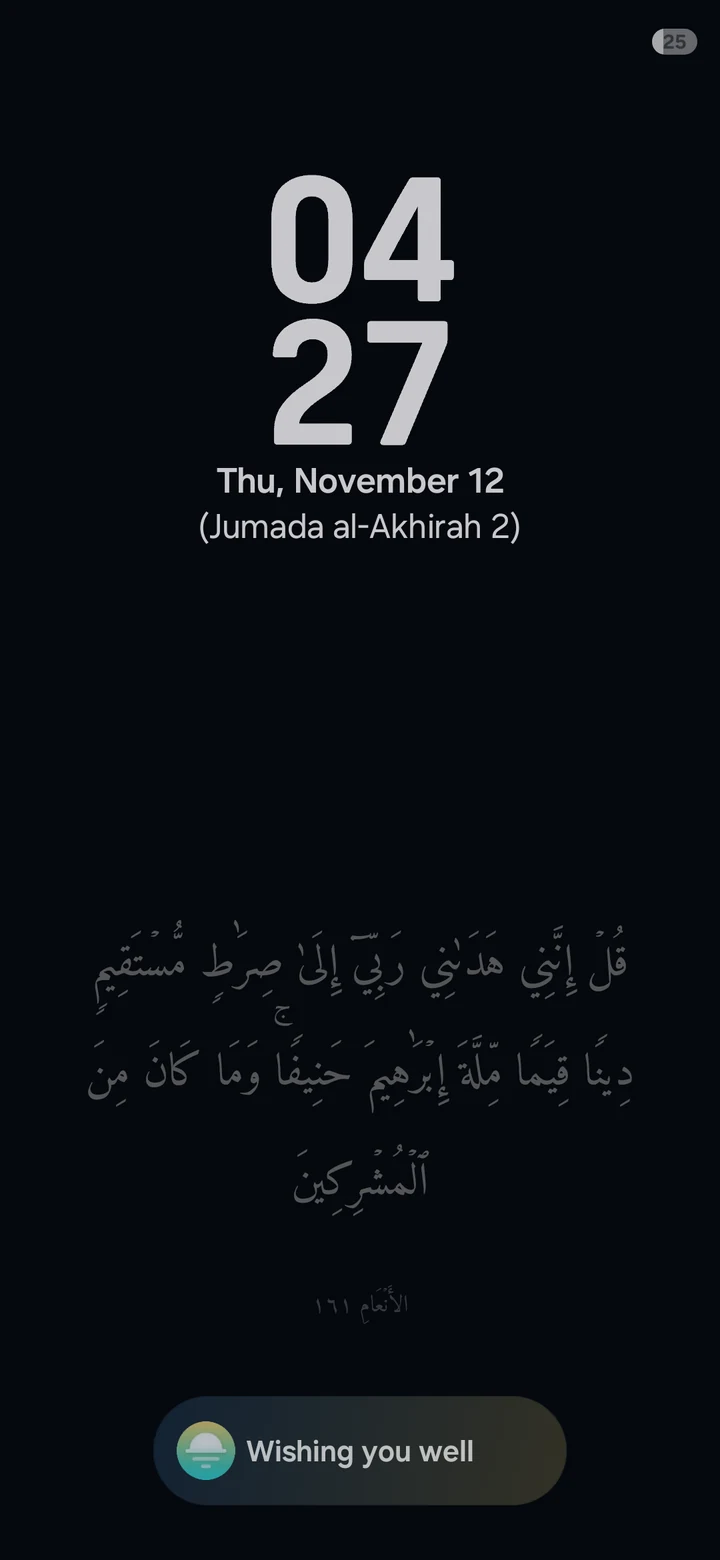
The ayah is your lock-screen wallpaper, below the clock and never behind it. It changes every time you lock the phone.
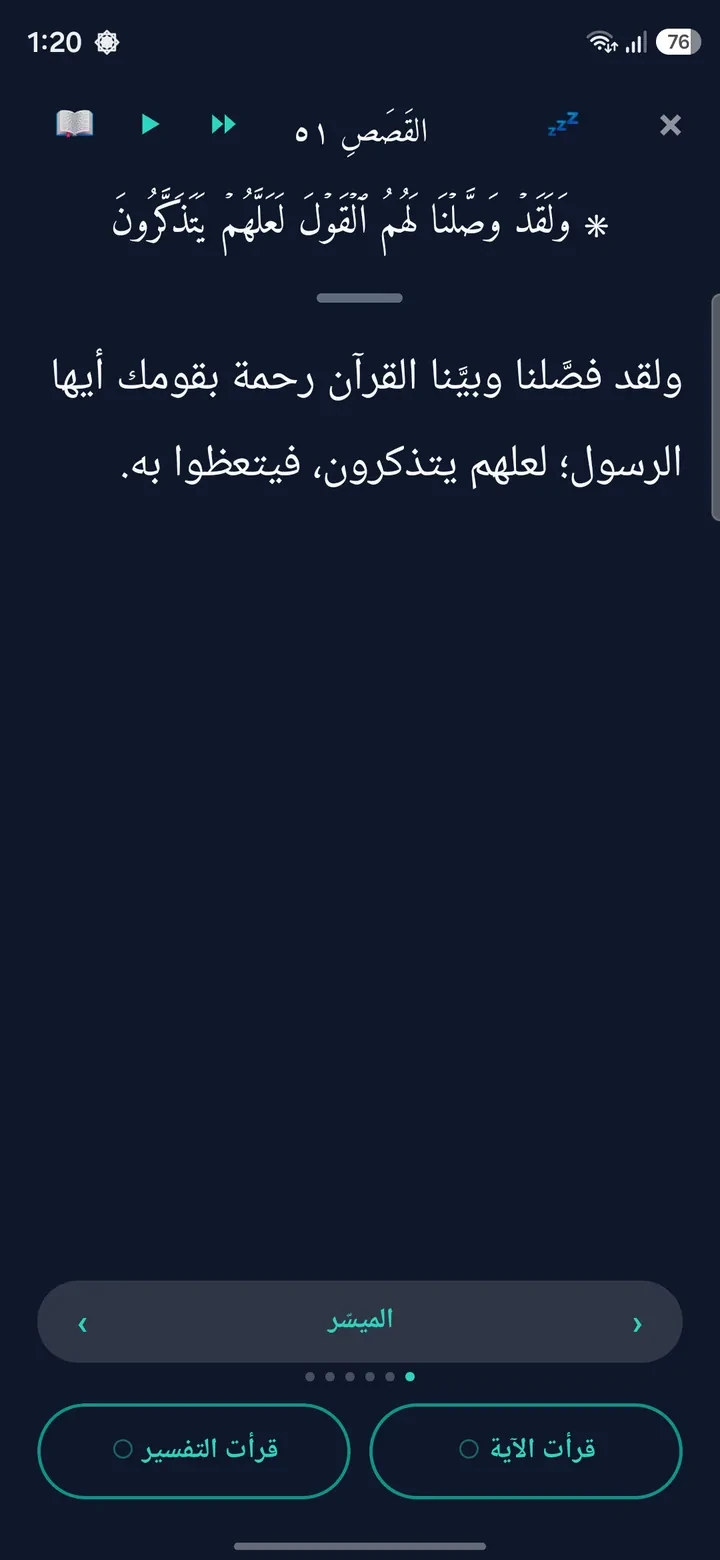
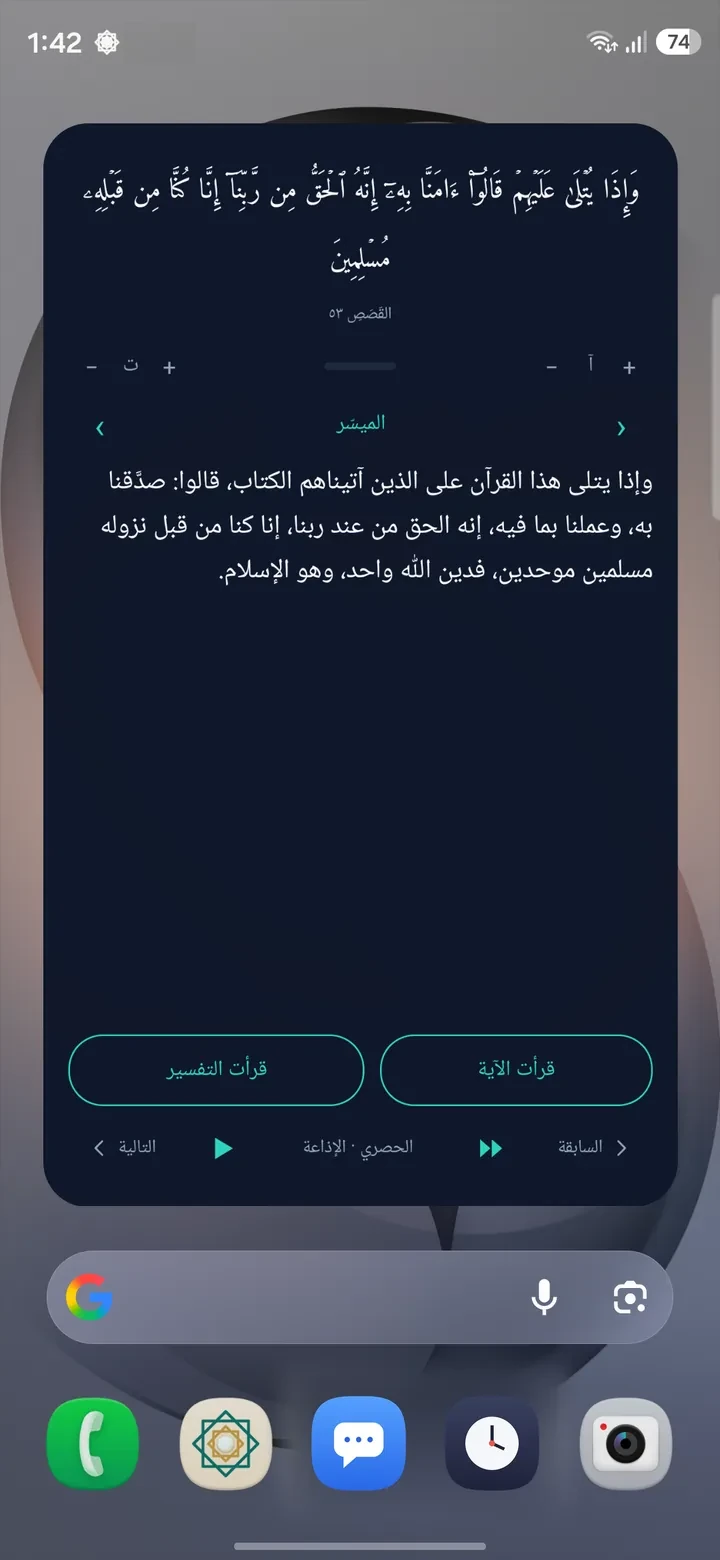
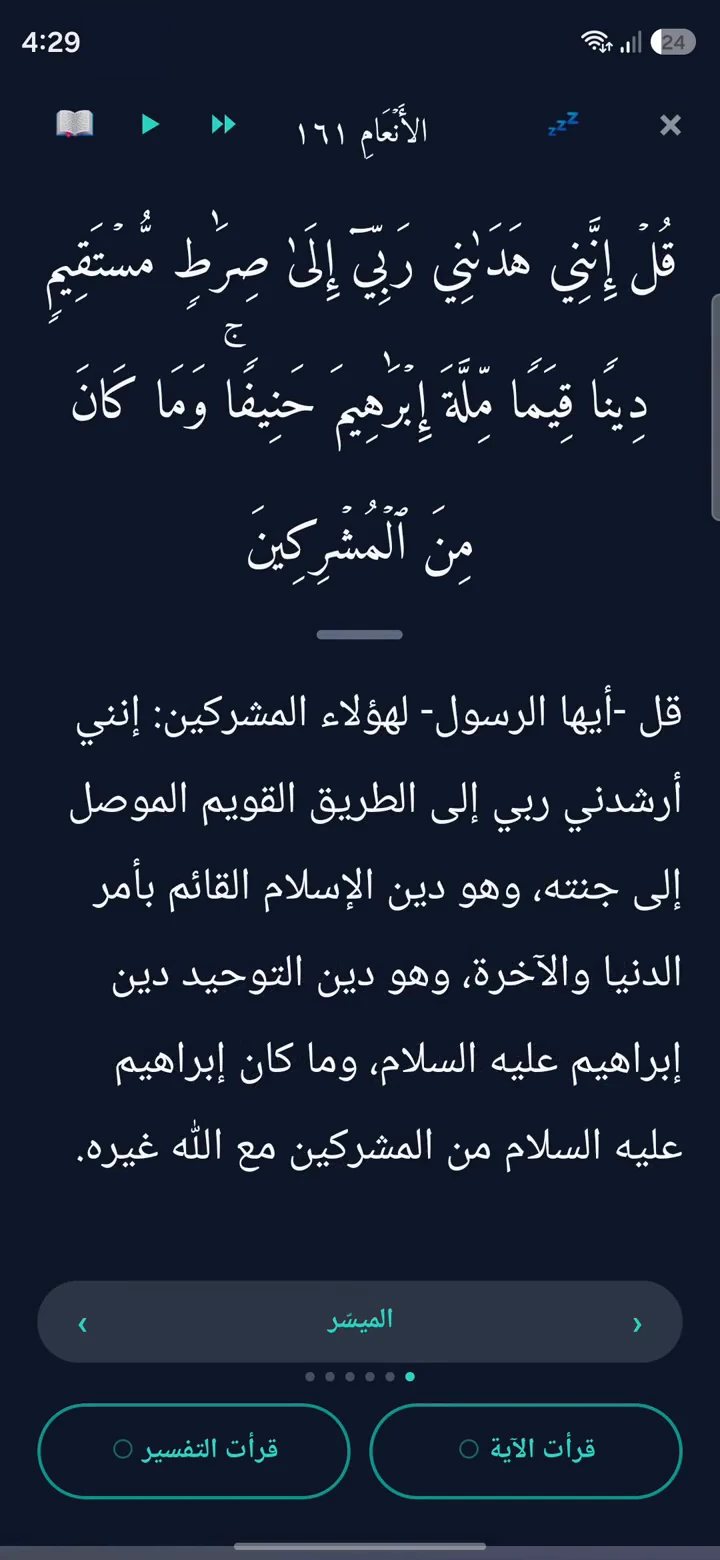
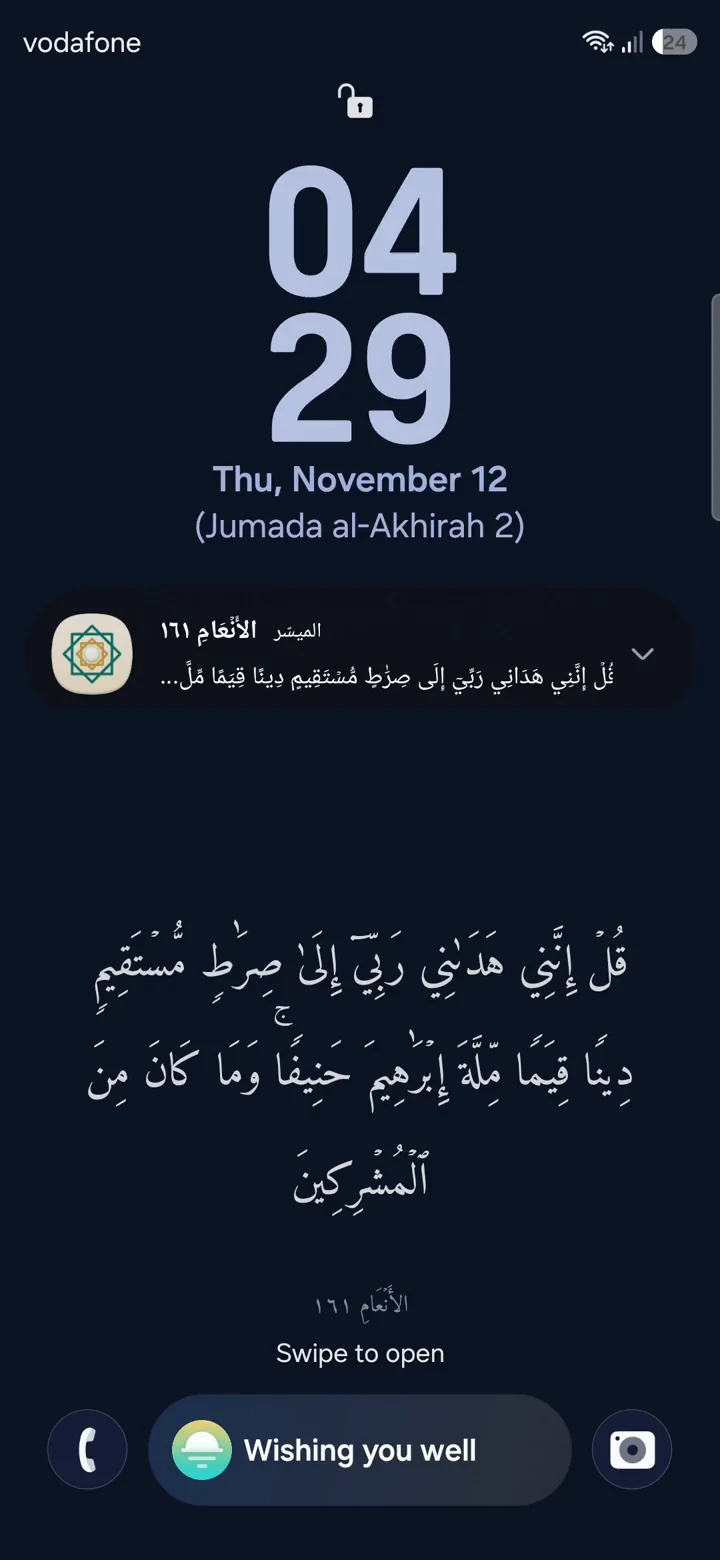
You unlock and the ayah is there, with its tafsir below. Read it, tap “I read the ayah”, and carry on.
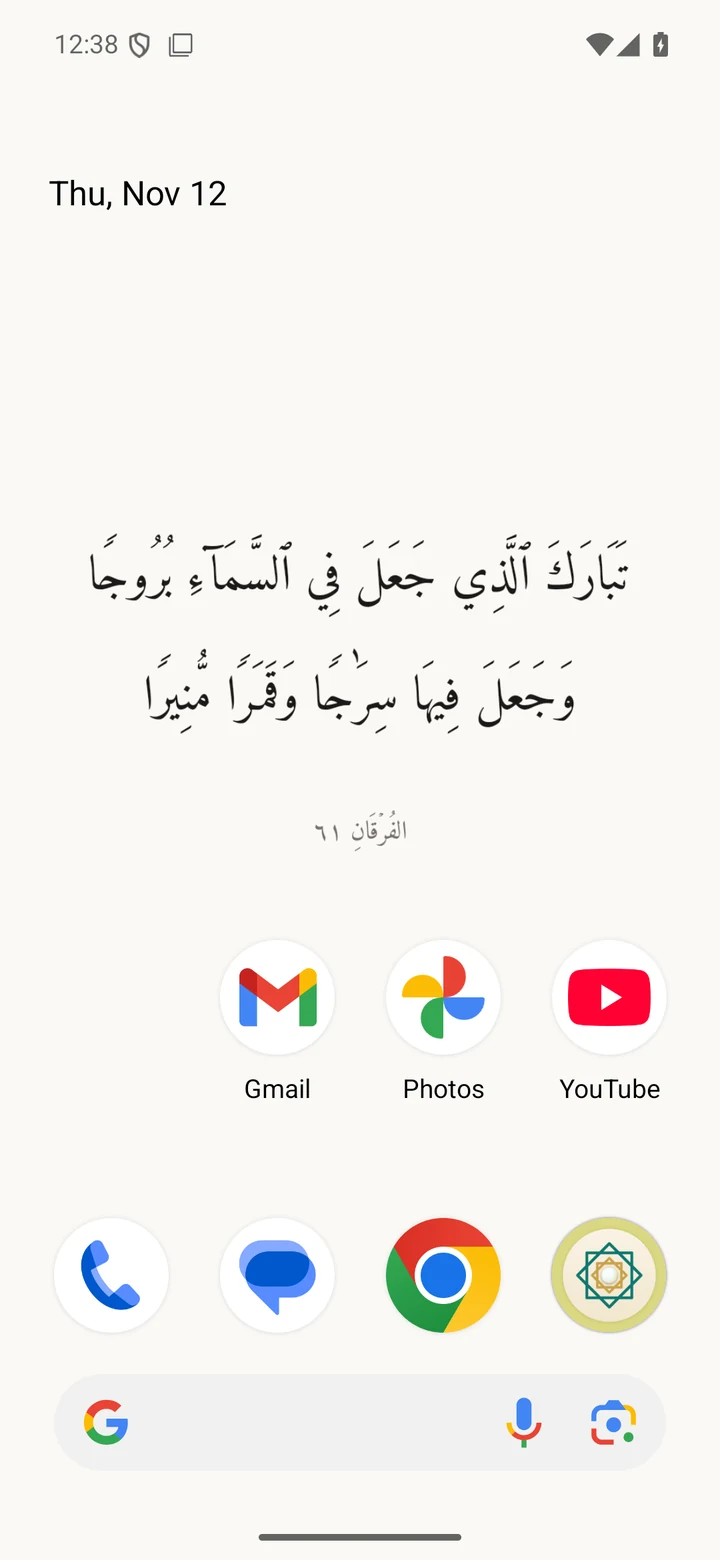
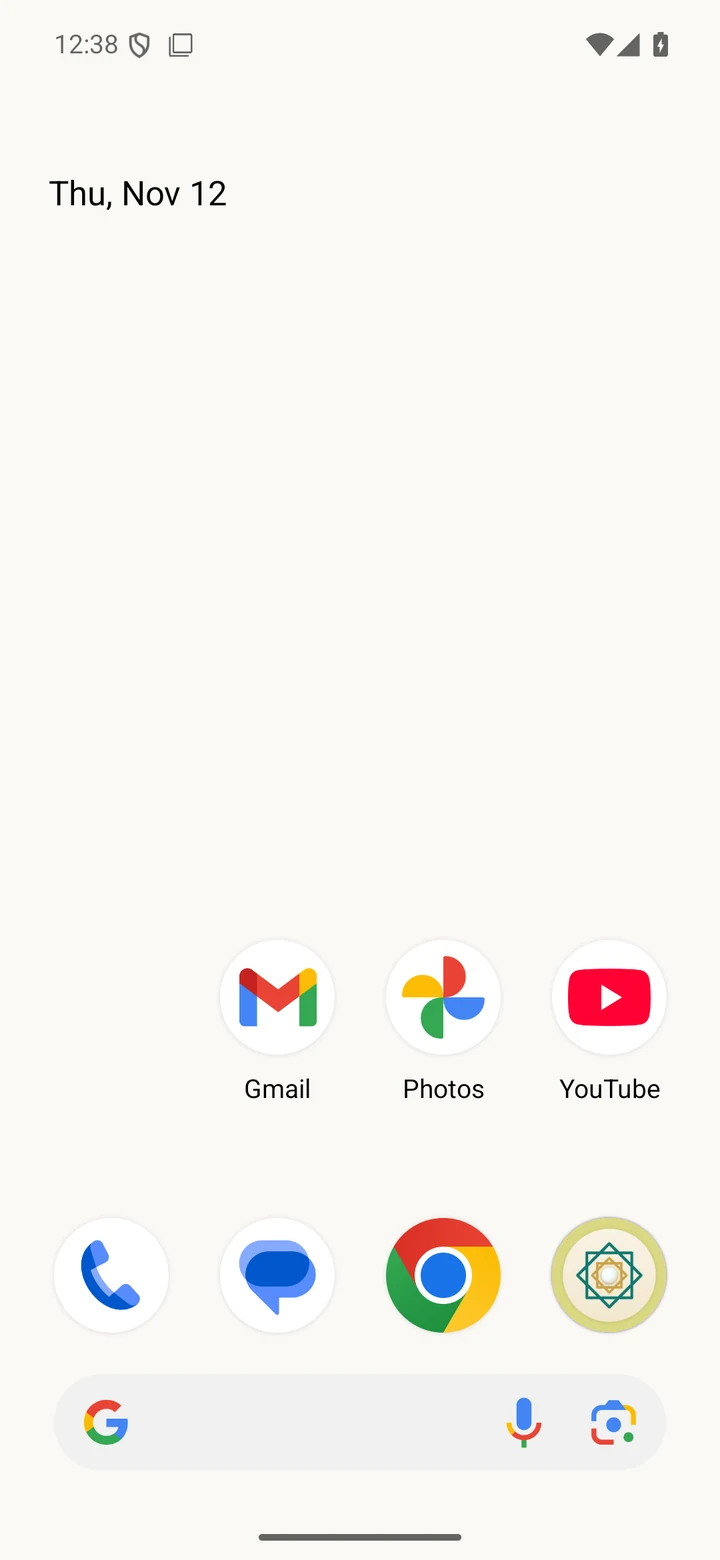
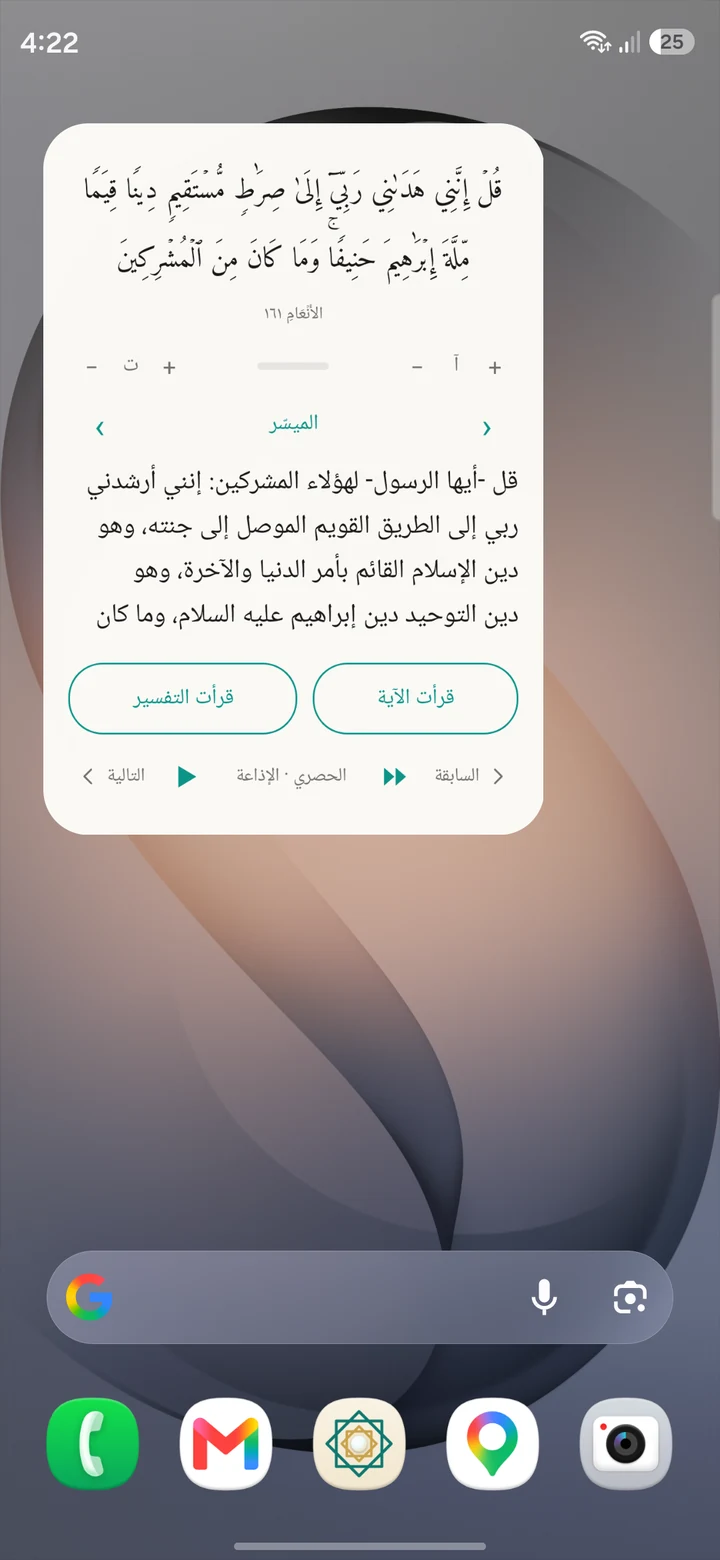
The same ayah as your lock screen stays on your home screen wallpaper, above your apps.
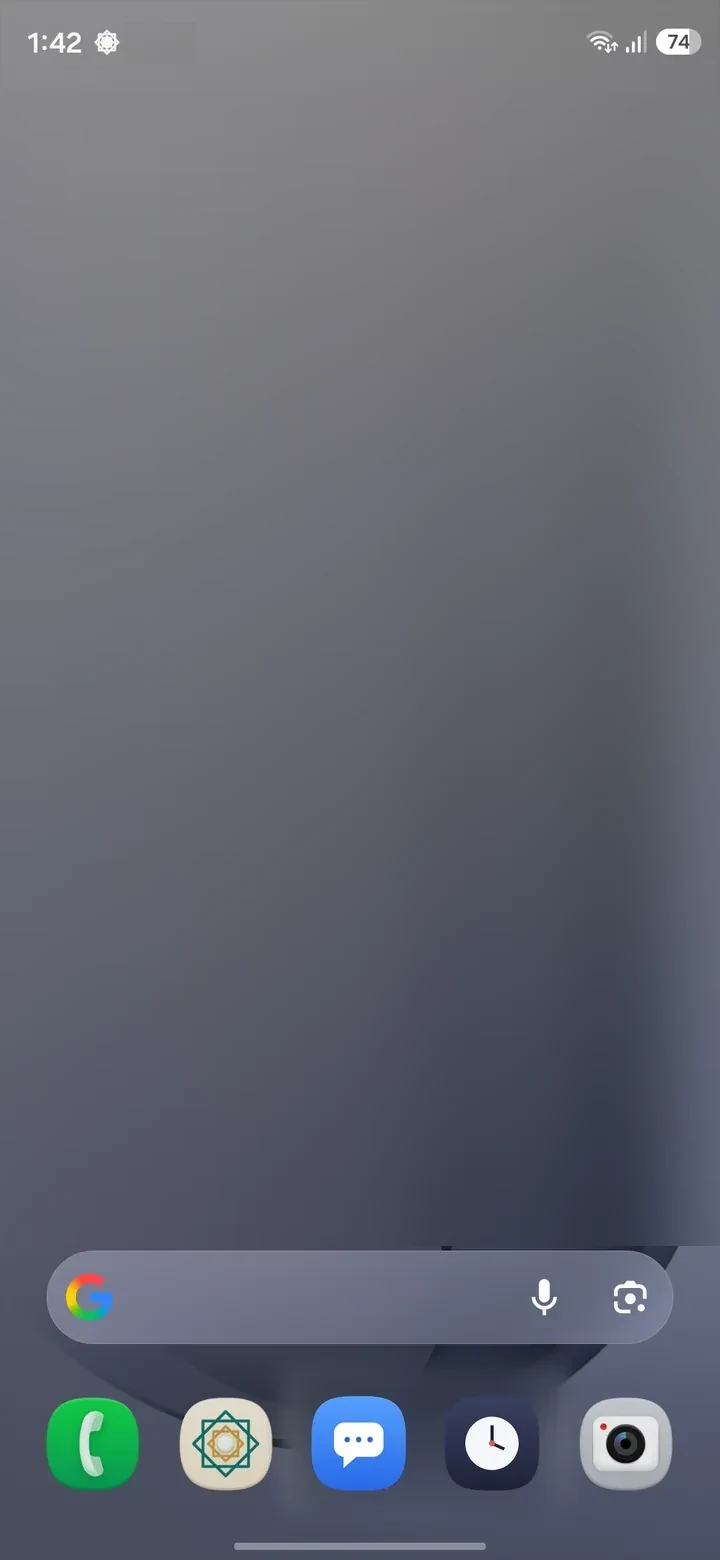
An ayah on your home screen, among your apps, to read whenever you pass it.
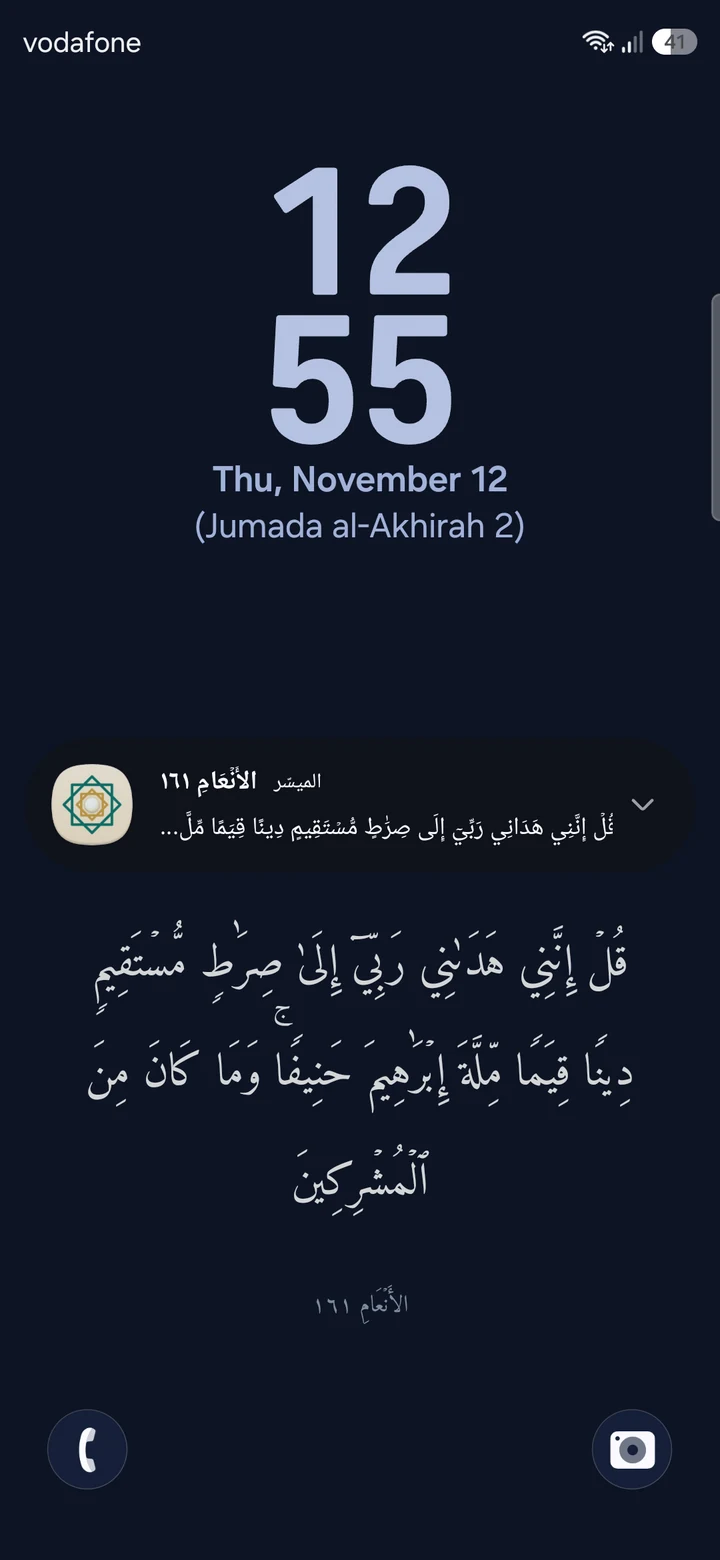
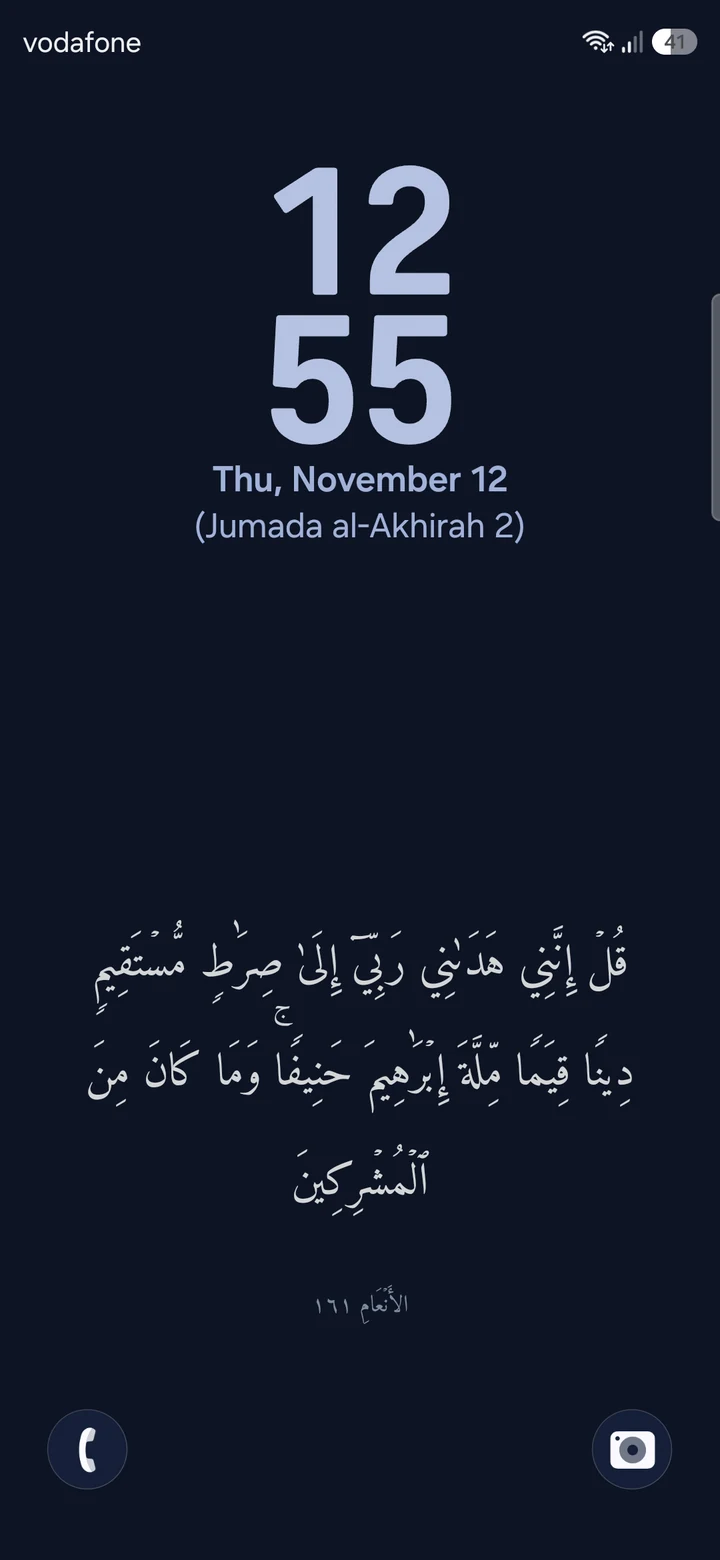
A notification with an ayah, on your lock screen, as many a day as you set. Nothing arrives while you sleep.
An ayah deserves to be listened to, and you decide when it stays away on unlock:
And when you can't give it your attention, Snooze pauses the ayat everywhere: the lock screen, the unlock and the notifications. You pick how long, and they return on their own.
Meaning
The tafsir opens under the ayah itself, and you swipe from one tafsir to the next while the ayah stays where it is.
Listen
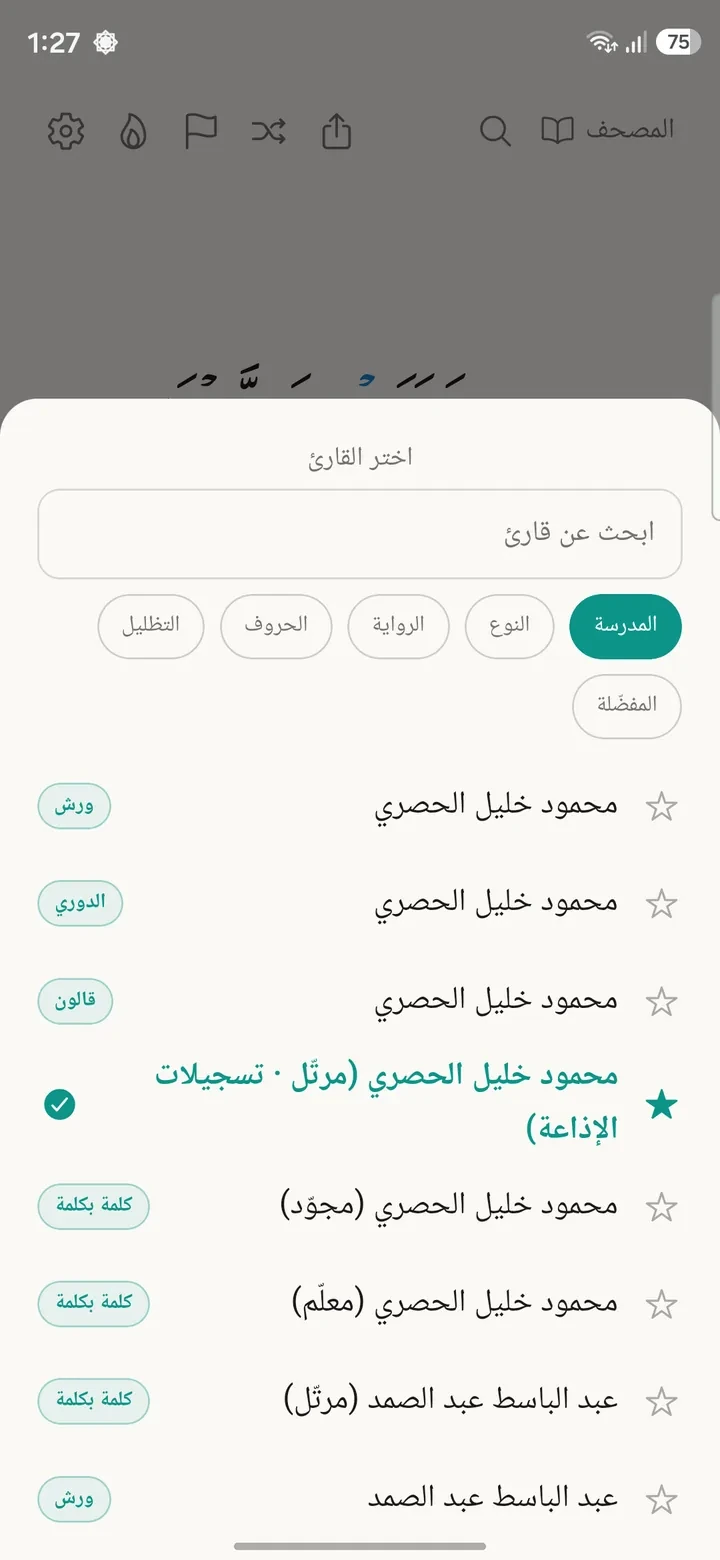
More than 300 reciters in their own recordings, across different riwayat: Hafs, Warsh, Qalun, Ad-Duri and more. With many of them, the word being recited lights up as you listen.
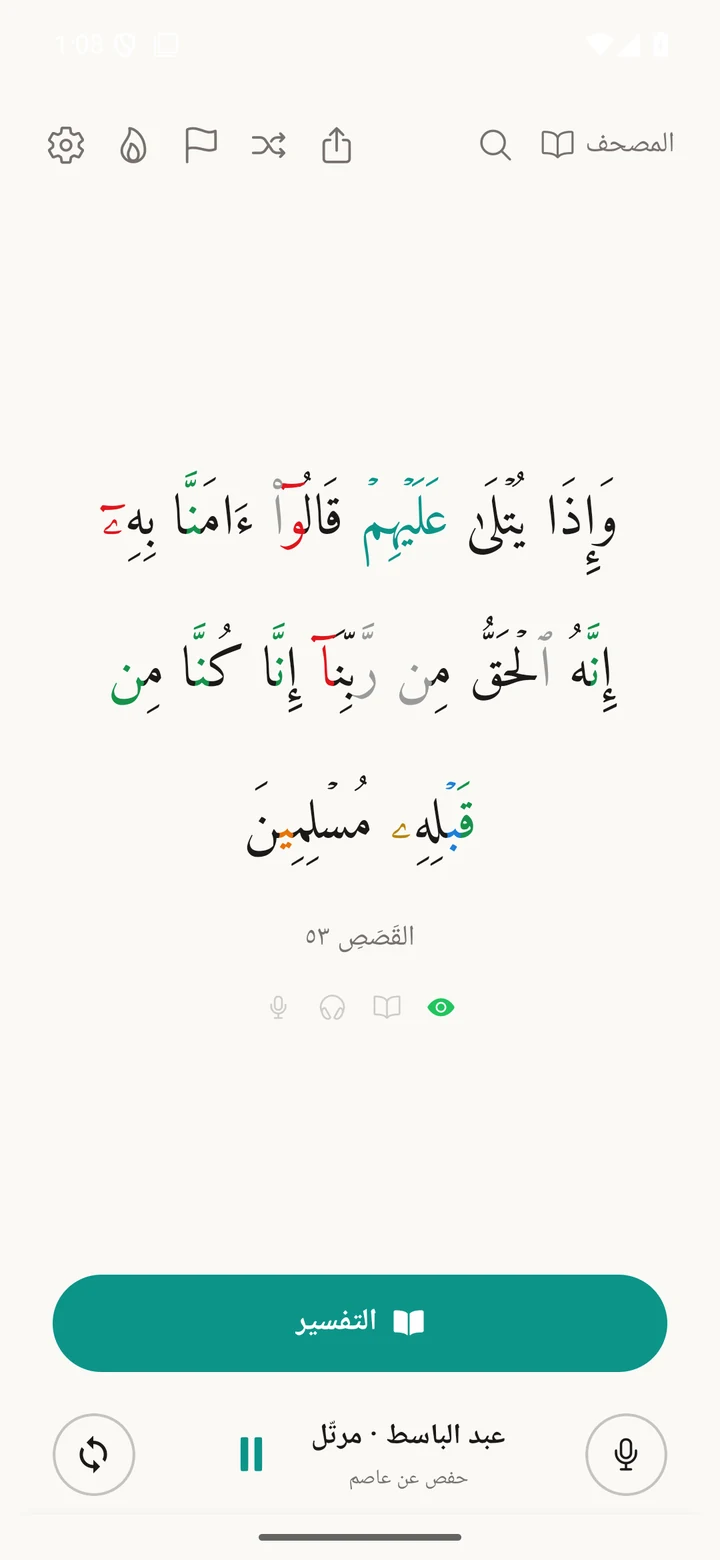
Memorize & reflect
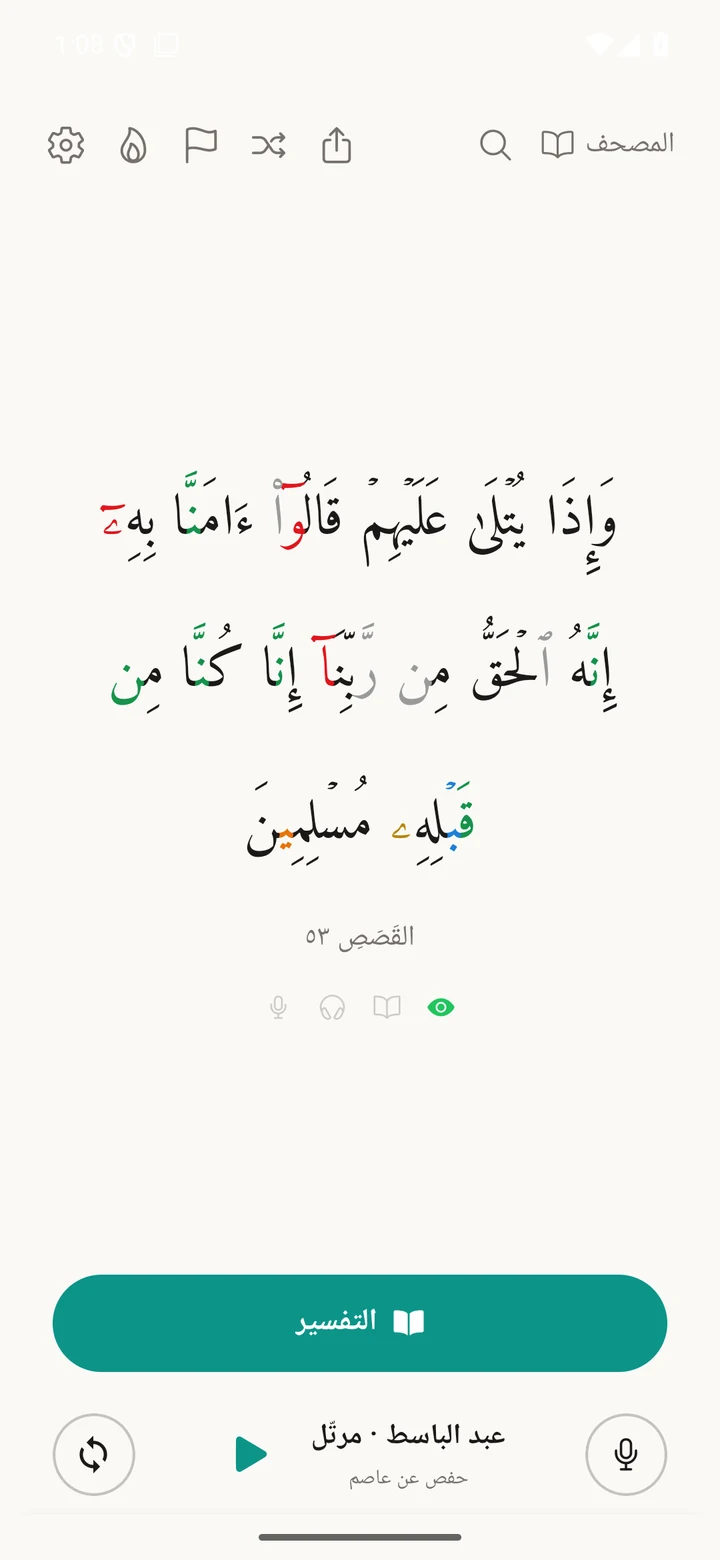
Recite from memory and be followed word by word, tajweed colours, seven riwayat, and voice search for any ayah.
Tap the microphone and the ayat hide until you recite them, while the app follows you word by word. It all runs on your phone, and your voice never leaves it.
Tajweed rules in colour for Hafs. Press and hold a coloured letter and it names the rule.
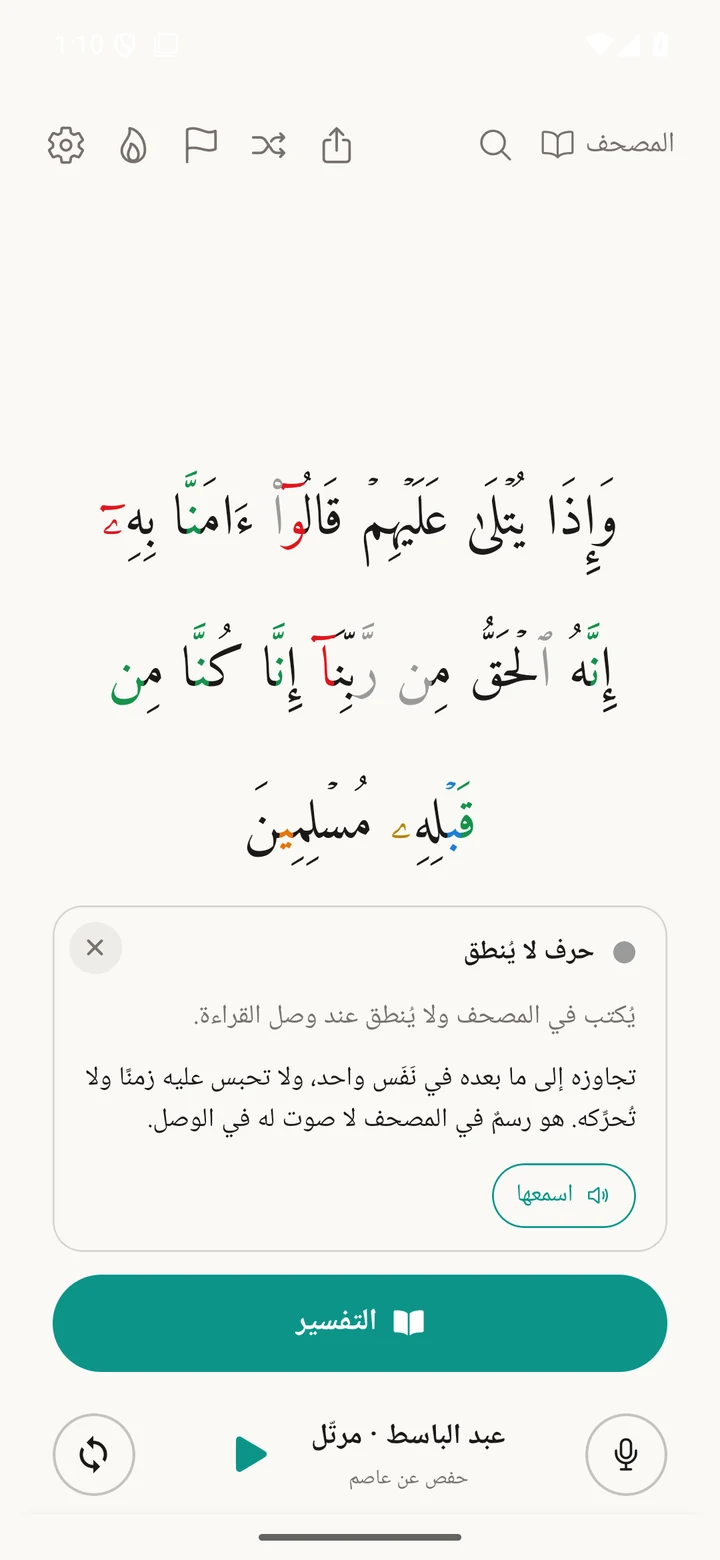
Press and hold the grey letter
Spread two fingers on the ayah to enlarge it, pinch to shrink it. The tafsir resizes the same way.
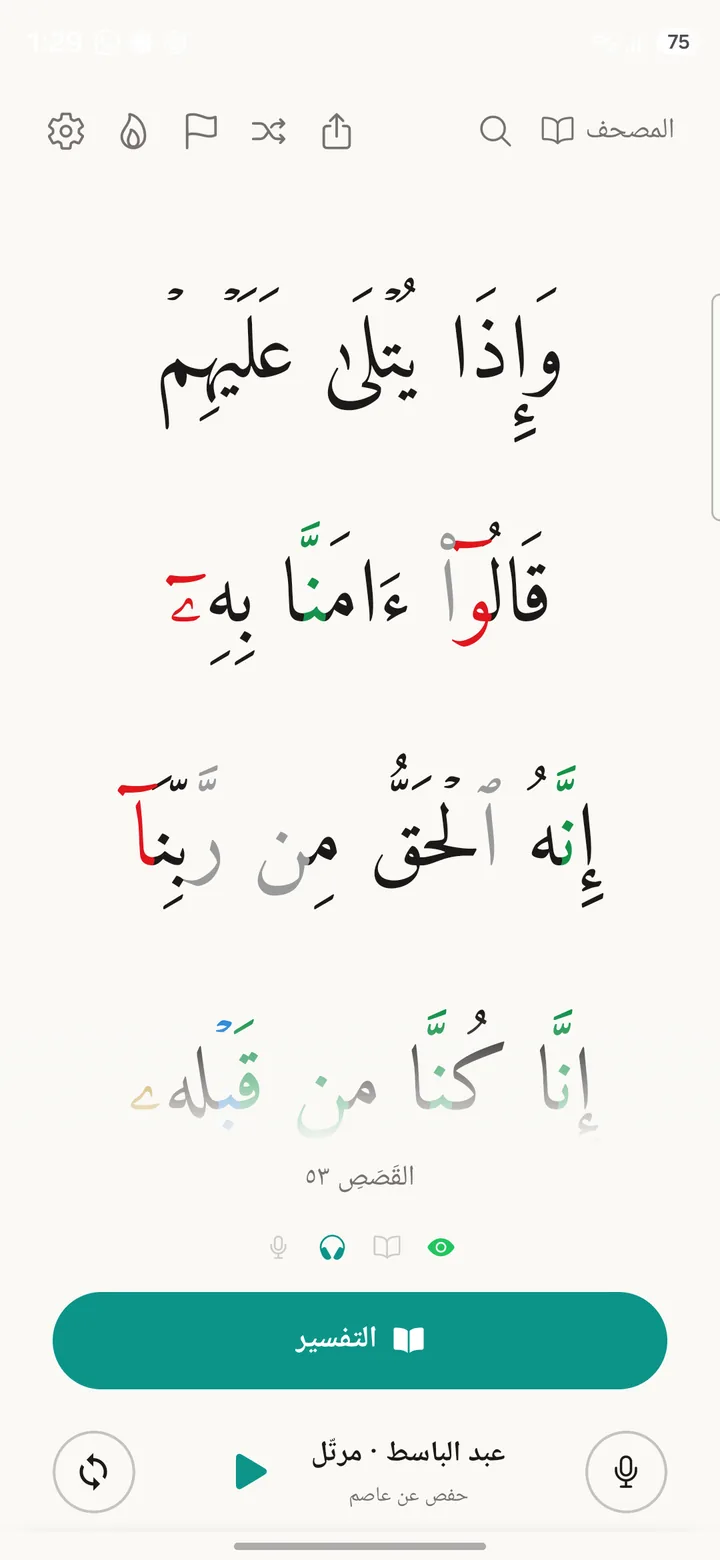
Each riwayah in the text of its own mushaf as printed by the King Fahd Complex for the Printing of the Holy Quran, and in its font.
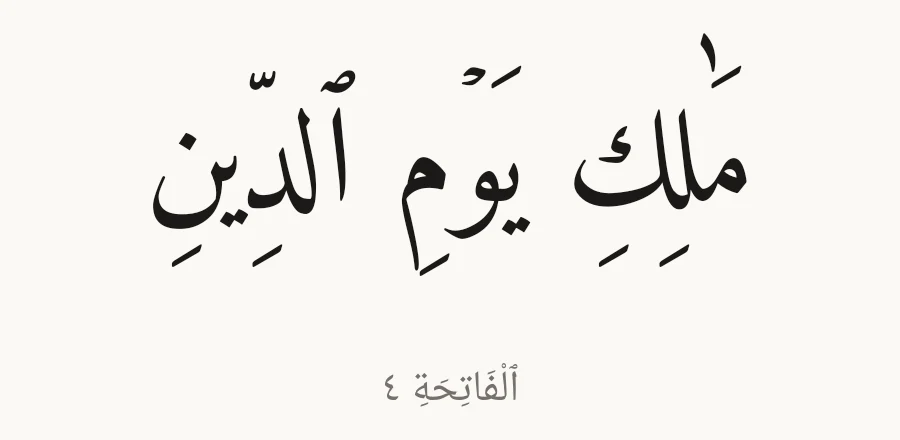
Remember an ayah but not where it is? Recite the part you know and the app finds it.
Niyyah
You write your niyyah as one sentence: what you intend, how, and by when. The app orders the ayat around it. Try it here: tap any coloured word to change it.
You can change any part of it later.
On your phone, from its sources
The full text of the mushaf is stored on your phone, so you can read with no connection.
Recognising your recitation, and noticing when you unlock, both run on the phone itself.
One file with your progress and niyyat. Keep it wherever you like and restore it any time.

The text, from its sources. The text you read is that of the mushafs printed by the King Fahd Complex for the Printing of the Holy Quran, in all seven riwayat and set in the Complex's own fonts. Every source, from the text to the tafsirs, translations and recitations, is named with its licence on the sources page inside the app.
Devices
The lock-screen and unlock ayah belong on the phone. The mushaf, tafsir, recitation and reciting from memory go with you to any screen.
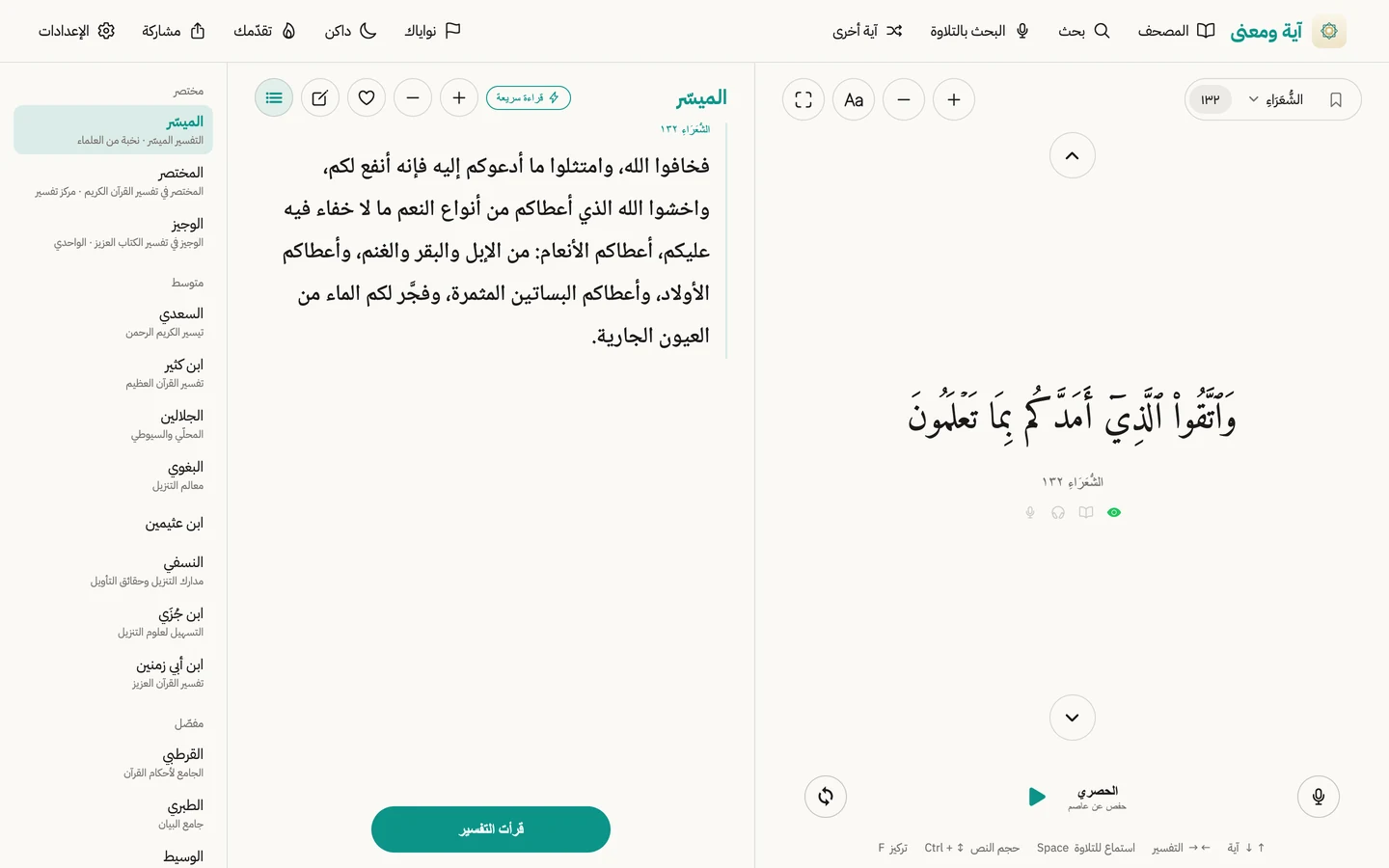
Opens in the browser on any device. Nothing to download.
Open the web appThe full version: lock screen, unlock and widget.
After the Android version.
The iPhone app, on your Mac.
The web version opens in your browser, and the app is coming soon on Google Play and the App Store.